

Loco in your pocket.
Alon De Loco's whole world right on your home screen: songs, videos, live shows and the store. No app store, no waiting. One tap and you're in.
It takes a second. The icon will appear on your home screen.
- Open the browser menu (⋮)
- Choose "Install app" or "Add to Home screen"
- In Safari, tap ⋯ and then “Share” (or straight on the “Share” button if it's in the toolbar)
- Scroll down and choose “Add to Home Screen”
- ✓Tap “Add” and that's it — Loco is with you
Opened from Instagram or TikTok? Open the page in Safari first.
Best on your phone: open alondelocoofficial.com/app on mobile and add it to your home screen.
iPhone: ⋯ → “Share” → “Add to Home Screen”. Android: menu ⋮ → "Install app".
What's waiting inside
Everything in one place, one tap from your home screen.
Book a show
Want Loco at your event? This is where it happens.
Book MUSICThe songs
All the hits on Spotify. Turn it up.
Listen VIDEOSThe videos
All the videos on the official YouTube channel.
Watch STOREThe store
T-shirts and caps. Straight from us. Coming soon.
To the store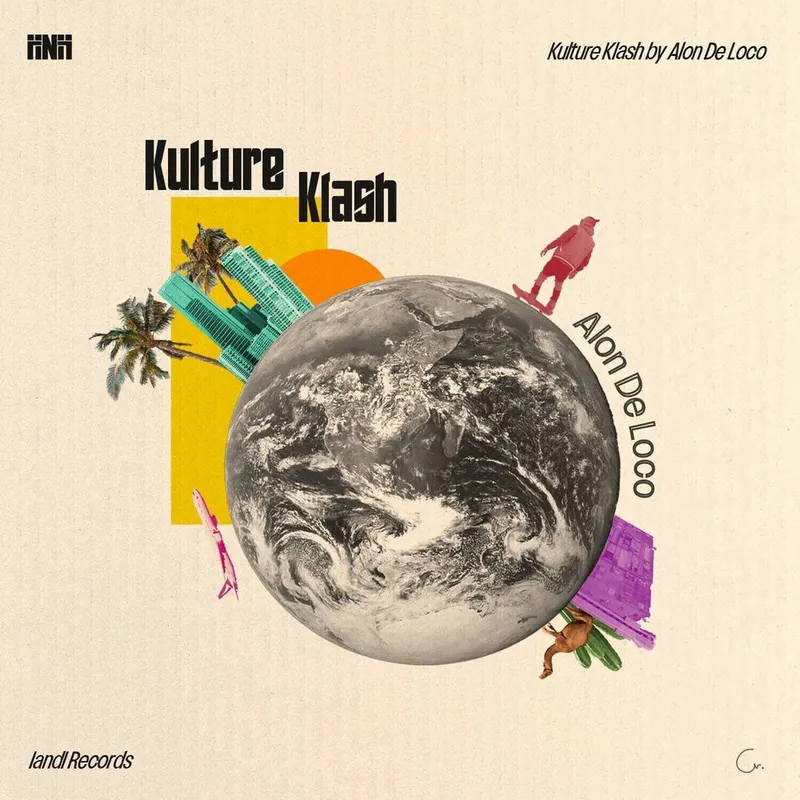 THE CROWN
KULTURE KLASH
A clash of cultures. The crown production.
To the project ALBUMS
The albums
Chomer LaMesiba and Ose Ta'Mesiba. Where it all began.
To the albums